
How to Fix a Slow Computer: Simple Solutions
Is your computer running slower than usual? A slow computer can be frustrating, and it can impact your productivity. However, before you rush to buy a new computer, you can try several simple solutions to speed up your existing one. This article explores some common reasons why a computer may be running slowly and provides practical tips on troubleshooting and fixing the issue.
Steps to Remedy a Slow Computer
Identify the Culprit
Before you can fix a slow computer, you need to identify the underlying cause. Several factors could contribute to the problem, including too many background programs running, insufficient memory or storage space, malware or viruses, or outdated hardware. Check your Task Manager (Ctrl + Shift + Esc) to see which programs consume the most resources.
Free Up Disk Space
One common reason for a slow computer is insufficient disk space. If your hard drive is close to full, it can slow down your computer’s performance. To free up disk space, you can start by uninstalling unnecessary programs and deleting old files that you no longer need. Additionally, consider using disk cleanup tools to remove temporary and other junk files that may take up space.
Disable Startup Programs
Various programs launch automatically when your computer starts. While some are essential, others may not be necessary and can slow down your computer’s startup time. You can use the System Configuration or Task Manager tool to disable startup programs you don’t need running in the background.
Update Software and Drivers
Outdated software and device drivers can cause performance issues on your computer. Updating your operating system, applications, and drivers regularly ensures the latest security patches, bug fixes, and performance improvements are installed.
Run a Malware Scan
Malware and viruses can significantly impact your computer’s performance. If you suspect your computer may be infected, run a system scan using an antivirus program to detect and remove any malicious software.
Upgrade Your Hardware
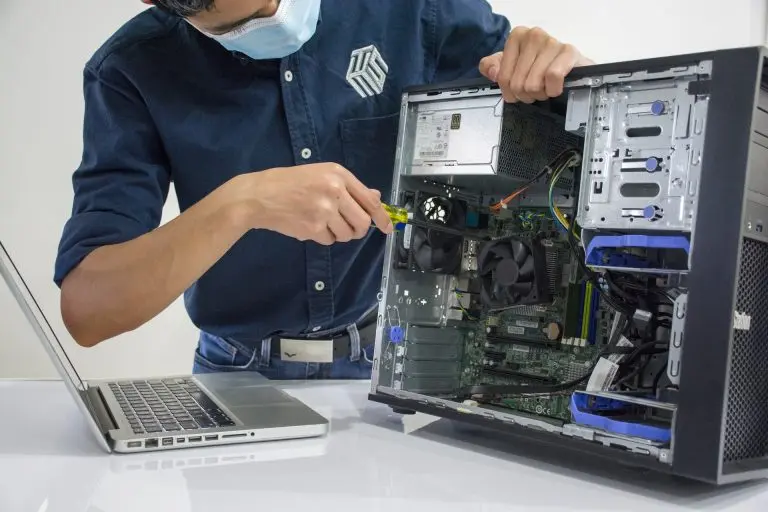
If your computer is several years old, consider upgrading its hardware components. Adding more RAM, replacing an outdated processor, or upgrading to a solid-state drive (SSD) can boost your system’s performance.
Reinstall Your Operating System
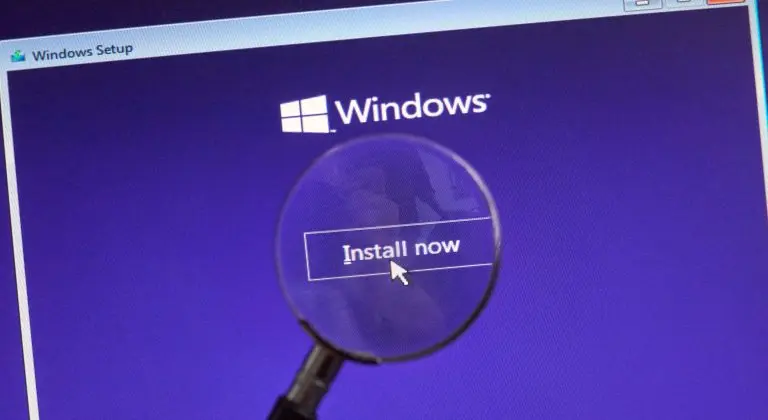
As a last resort, if your computer is still running slowly after trying the above solutions, consider reinstalling your operating system. This can help remove software-related issues and give your computer a fresh start.
A slow computer can be frustrating but often fixable with simple troubleshooting steps. By identifying the root cause of the problem and following the tips mentioned above, you can speed up your computer and improve its overall performance. Remember that regular maintenance and good computing practices can prevent your computer from slowing down in the future.
Buckeye Computer Service
Is your computer running slow? Buckeye Computer Service can help. Our team can run diagnostics, pinpoint the problem, and fix it or recommend your next step. Contact us today at 919-404-9325, and we’ll have your computer up and running in no time.